Croft Contacts
A fast, clean contact book for Android and GrapheneOS, with merge and clean-up tools, filters and groups. Free, with no ads, no telemetry and no internet permission, so Croft Contacts doesn't upload your address book anywhere.
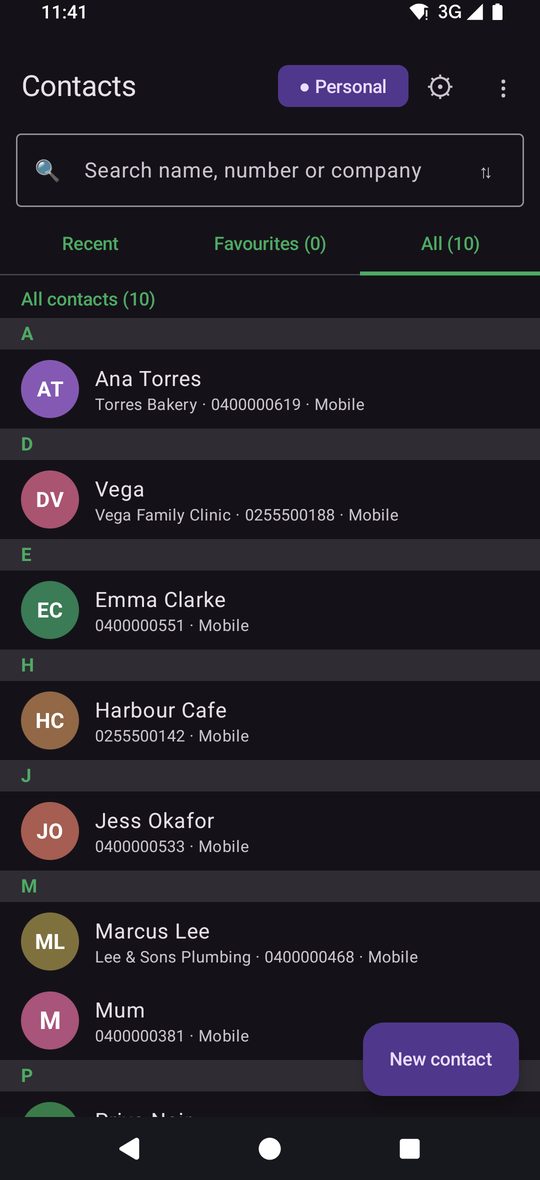
A contact book you can keep clean
See the mess, fix it in a tap
Duplicates are found and merged with a preview of the result, blank cards are visible, and every merge can be undone.
Group it your way
Group by letter, company, recently updated, favourites, where it is saved, chat app or country.
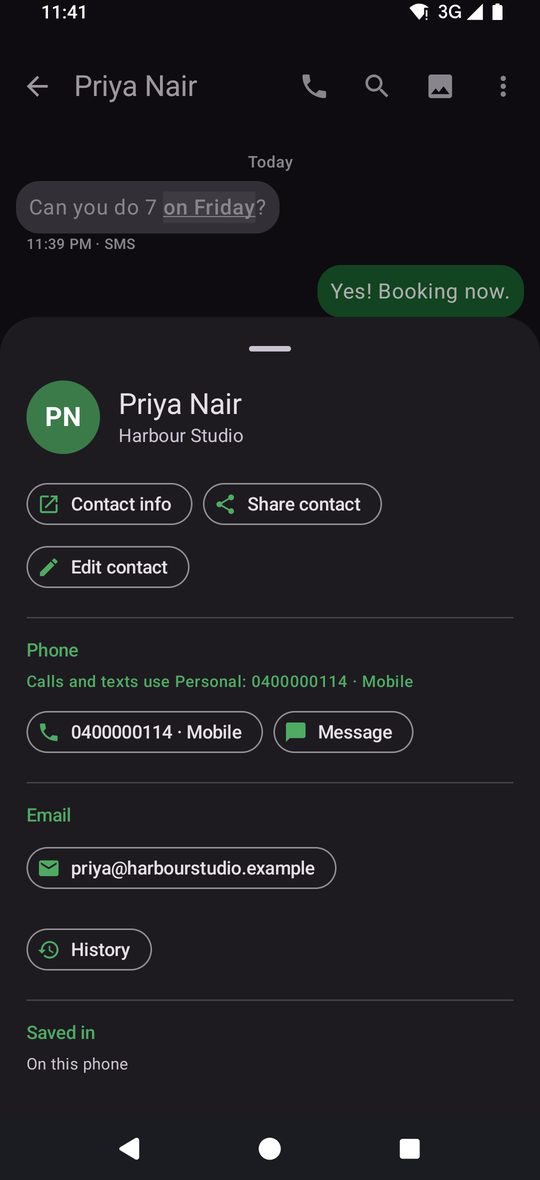
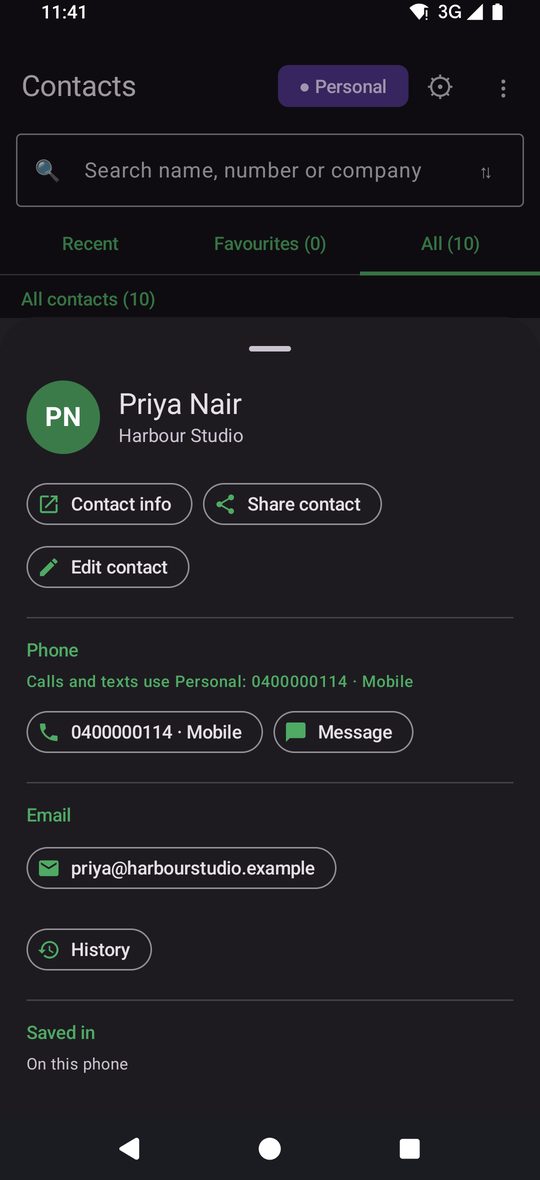
Everything about a person, one pop-up
Call, message, email, share, edit, their chat apps, recent texts and a combined history of calls and messages.
Everything Croft Contacts doesShow all 32Hide
Find
- Search by name, number or company across every account
- Tabs: Recent, Favourites, All
- Quick chips: Favourites, No phone, No email, No photo, No company, No name, Empty
- Has / missing / any filters for phone, email, photo, company, address, birthday, note, website, chat app, favourite
Display it your way
- Group by letter, company, recently updated, favourites, account, chat app or country
- Sort by first name, last name or recently added, either way, favourites first
- Names as First Last or Last, First
- Second line: company and number, company, number, or none
- Photos or initials, or a compact text list
- Landscape and tablet: contact open in a side pane
The card
- Call through Croft Caller, message through your messages app, email, share as a card
- Chat apps: one button per app that knows the person (Signal, WhatsApp, Telegram and others)
- Recent messages on the card (you switch it on)
- History of calls, texts and notes together
- Maps and websites ask first, and links are checked
- Most recent number first when someone has several
Clean-up tools
- Merge with a chosen name, photo and fields; a backup card is kept first
- Find duplicates by shared number or email, with "same person?" pre-ticked only when names agree
- Separate cards that were joined; nothing is deleted
- Tidy this contact: duplicate numbers removed, names capitalised, preview before applying
- Fix phone numbers into international form with a country picker
- Delete empty contacts in one step
Edit
- Full editor: name parts, nickname, company, title, several phones and emails with labels, websites, address, birthday, note
- Choose the account to save in, with a warning if it syncs
- Photo choose, change and remove
- Labels stored in the phone's own fields so every app understands them
Import, share, settings
- Open .vcf files from other apps, with a count before adding
- Share one or many contacts as a card
- Personal / Business switch that decides which number and email each person is reached on, shared with the other apps
- Light, dark or follow the phone, four palettes, or match Croft Messaging
- Hide in screenshots, and back up your settings
- No internet permission, no ads
With Messaging
names and numbers follow you
- Tap a name in a conversation to open their full contact card
- Edit a contact, or add a new number, without leaving Messaging
- Favourites and Personal or Business labels show in Messaging
- Messaging's theme can match Contacts
- From a contact, Message opens their conversation, not just a blank one
With Caller
your calls use your address book
- Names, photos and Business or Personal labels on every call
- Tap a caller to see and edit the whole contact
- Call a contact from Contacts and Caller places it at once
- Mark a number Personal or Business from the call list
- Favourites appear in Caller
Privacy
Croft Contacts has no internet permission. It connects to the other Croft apps through small private links that only work between apps with the same signing key.